How to Use Live Traffic Radar to Plan a Faster Commute
Most commuters check the traffic once, see a red line, sigh, and drive straight into it anyway. The map had information. The driver had a habit. A live traffic radar — a map that refreshes every minute or two with real vehicle speeds, incident pins and camera views — is not a prediction machine and it is not a fortune teller. It is a decision tool. Used properly, it answers three questions before you pick up your keys: is my usual route working right now, where exactly is the trouble starting, and is there an alternative that will still make sense two junctions later. Here is how to read it without overthinking it.
What a Live Traffic Radar Is Actually Showing You
The coloured lines on a live map are usually built from moving vehicles — phones in cars, fleet telematics, roadside sensors — sampled in short intervals. That means you are looking at what happened in the last few minutes, not a forecast for the next hour. It is closer to a weather radar than a timetable.
On top of the flow layer you typically get incident markers (crashes, breakdowns, debris), roadworks, closures, speed cameras and, in many areas, still images from fixed traffic cameras. Each layer answers a different question. Flow tells you how bad it is. Incidents tell you why. Cameras tell you whether the queue is moving or completely parked.
Reading colour with context
A red band does not mean the same thing everywhere. On a motorway, red means something has gone badly wrong — a lane closed, a crash, a serious bottleneck. On a narrow city street where traffic already crawls at 20 km/h, red may simply be Tuesday. Before you panic, ask what the normal speed on that stretch is. If you drive it every day, you already know.
The opposite mistake is trusting green too much. On slip roads and minor streets, the sample of vehicles can be thin, especially late at night or early on a Sunday. A short green segment may mean the road is clear, or it may mean nobody has driven it in the last few minutes.
Layers worth keeping switched on
- Incident pins — the reason behind a jam, and often the thing that changes your decision.
- Camera stills near your two or three decision points, not every camera in the city.
- Roadworks and closures, which are predictable and rarely appear as a surprise on the flow layer until drivers have already queued.
- Major junction and bridge markers, because bottlenecks live there and a small delay at a bottleneck spreads fast.
The Five-Minute Check Before You Leave
Five minutes is enough if you do the same thing every time. A fixed routine beats scrolling around the map at random.
- Look at your usual route end to end, not just the first half. Most people check the bit they are about to drive and stop there. The slowdown that ruins the trip is often eight kilometres ahead.
- Find the slowest segment and read its cause. A crash pin with an ambulance marker behaves differently from a broken-down lorry on the hard shoulder. One clears in minutes, the other creates a queue that grows for half an hour.
- Check the entry and exit points of your route — the on-ramp, the tunnel, the bridge, the roundabout. If the queue starts before your entry, you will sit in it without ever reaching the incident.
- Scan one realistic alternative, not four. Pick the one you would actually take and check it end to end the same way.
- Check the time on the map. Confirm the refresh is recent. A map left open on a desk for twenty minutes is a history lesson.
- Decide, then go. Rechecking every ninety seconds for the next ten minutes is procrastination with a colour scheme.
Spotting a Slowdown Before It Becomes a Jam
Jams have a shape. They start as a small amber flicker, spread backwards against the direction of travel, and then settle into a solid block. If you catch them at the flicker stage, you can still act. If you catch them at the block stage, you are joining a queue.
Things worth watching for:
- A speed drop on a single segment while the segments either side stay free-flowing. That is the earliest honest signal you will get.
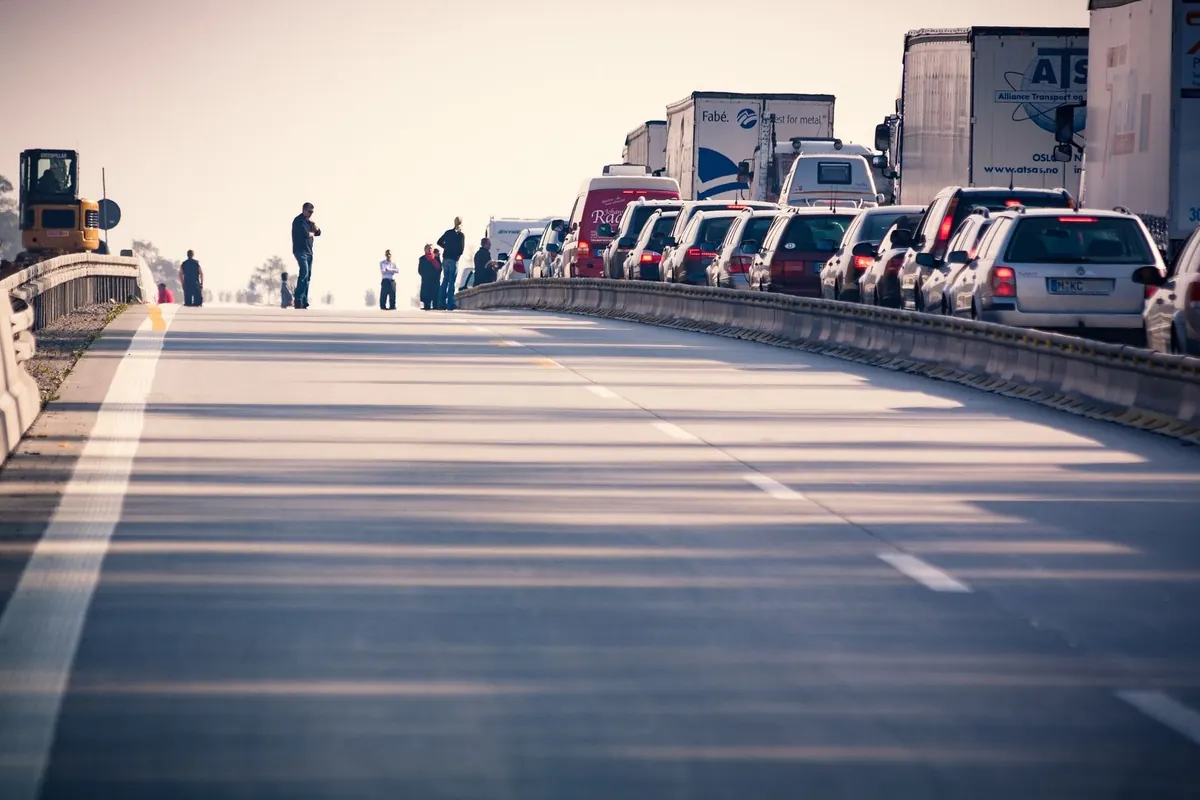
- Queue spillback at an exit — a red tail extending backwards from an off-ramp usually means something downstream is blocked, not that the motorway itself has failed.
- Secondary roads turning amber next to a busy main road. That is the map showing you other drivers already rerouting. It is useful information and a warning at the same time.
- Camera images that contradict the flow layer. If the picture shows stationary cars but the line still reads amber, trust the picture.
Choosing a Better Route Without Making It Worse
The fastest-looking alternative on the map is not automatically the better drive. A back-road detour that saves four minutes on paper can cost you fifteen if it takes you through two school-run streets and an unsignalised junction where nobody gives way.
Three questions before you divert. First, does the alternative rejoin your original route at a sensible point, or does it dump you somewhere you then have to crawl back from? Second, is the alternative showing green because it is genuinely clear, or because it is a quiet road with almost no traffic data? Third, would a hundred other drivers make the same choice in the next ten minutes? Popular detours clog quickly, and the map will not warn you until they do.
A useful rule: divert for a known blockage, not for a wobble. A crash with a closure, a bridge stuck open, a serious incident — these justify a different road. Two kilometres of slightly slower traffic usually does not. You will often lose more time by leaving the main road than by sitting in a queue that clears.
Compare Today With a Normal Day
Live data becomes far more useful when you read it against your own memory of the same road at the same hour. That amber stretch on the ring road at 8:10 on a weekday may be completely normal and will clear by 8:25. The same stretch at 6:40 in the evening, on a day when it is usually green, is a real signal.
Weather matters here too. Rain slows everything down and increases the chance of incidents; a map that looks acceptable in dry conditions can deteriorate quickly once the surface is wet. If the forecast is poor, add margin rather than chasing a marginal route saving.
Mistakes That Cost Commuters Time
- Checking only once, at the moment of departure. The map is a moving picture; a two-minute check just before you leave catches changes that a check forty minutes earlier cannot.
- Following the ETA blindly. A route with a one-minute advantage and three extra turns is not worth the risk.
- Switching routes mid-journey out of frustration. Pull over safely, or have a passenger check. Do not read a map while driving.
- Ignoring the return trip. Evening traffic rarely mirrors the morning. Plan the way home separately.
- Forgetting the last kilometre. City centre congestion, school gates and car park queues often account for more lost time than the motorway did.
A Routine You Can Keep
Set a reminder five minutes before you normally leave. Open the map, check your route end to end, identify the slowest segment and its cause, scan one alternative, then close the app and go. Two or three days of that and you will start recognising patterns: which junction fails first in the rain, which road fills up when the motorway has an incident, which detour looks tempting and never works.
That knowledge, not the colours themselves, is what actually makes a commute faster. The radar gives you a fresh view of the road ahead. Your own history tells you what that view means. Put the two together and you will spend a lot less of your life staring at the back of the same van.
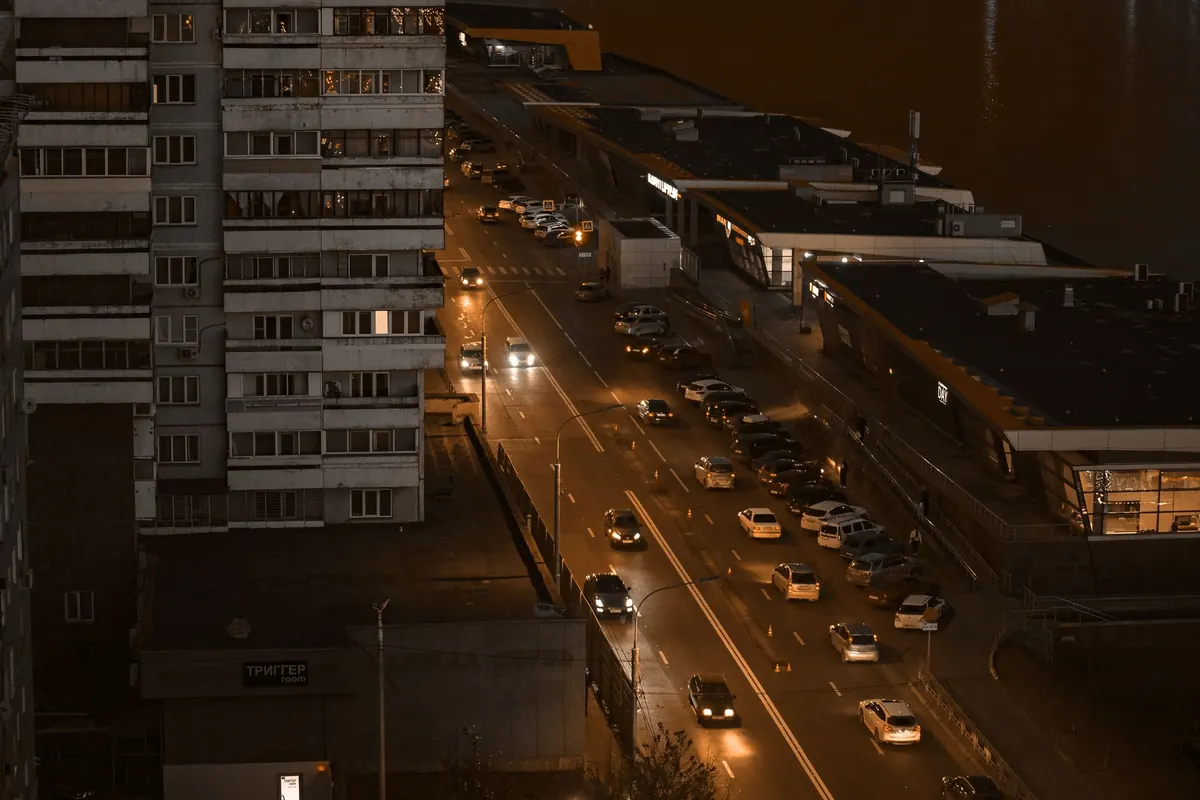
Photo: Radik 2707 / Pexels